
What is vibecoding?
Vibecoding means building software by describing what you want in plain language and letting an AI write the code. In Norwegian it is also written vibbekoding or vibekoding — the same idea. You set the direction; the model handles the syntax. The result: people with no developer background now build working websites, apps and tools themselves.
Last updated
Where the term comes from
The phrase vibe coding was coined by AI researcher Andrej Karpathy on 2 February 2025. His point was simple: once the AI models got good enough, you could give in to the vibes and let the code come into being while you describe what you are after. You no longer read every line — you say what you want, look at the result, and ask for changes.
The term caught on fast. Collins Dictionary named it word of the year for 2025, and Norway's national encyclopedia, Store norske leksikon, now lists it under the spelling vibbekoding. What it points at is real: the hard part of building software used to be the code itself. Now the hard part is knowing what to build, and describing it clearly enough that the AI hits the mark. The skill moved. It didn't disappear.
Vibecoding, vibe coding, or vibbekoding?
Same term, different spellings. Vibe coding (two words) is how Karpathy wrote it and how most dictionaries list it, vibecoding (one word) is the common run-together form you see everywhere online, and vibbekoding (with the double b) is the established Norwegian spelling — the one Store norske leksikon uses. If you searched for vibbekoding, you meant vibe coding, and you're in the right place.
How vibecoding works
Four steps that come back around. You stay in the loop until the result is right.
- 01
You describe
You tell the AI what you want to build, in plain English. No syntax, no setup rituals — a clear description of the outcome.
- 02
The AI builds
The model writes the code, wires up the database and sets up the pages. You watch it take shape instead of typing it character by character.
- 03
You test
You try the result and spot what is off. When it works, you put it online. Real users, a real URL.
- 04
You ask for changes
You say what should be different, in your own words, and you're back at step one. You stay there until the result is right.
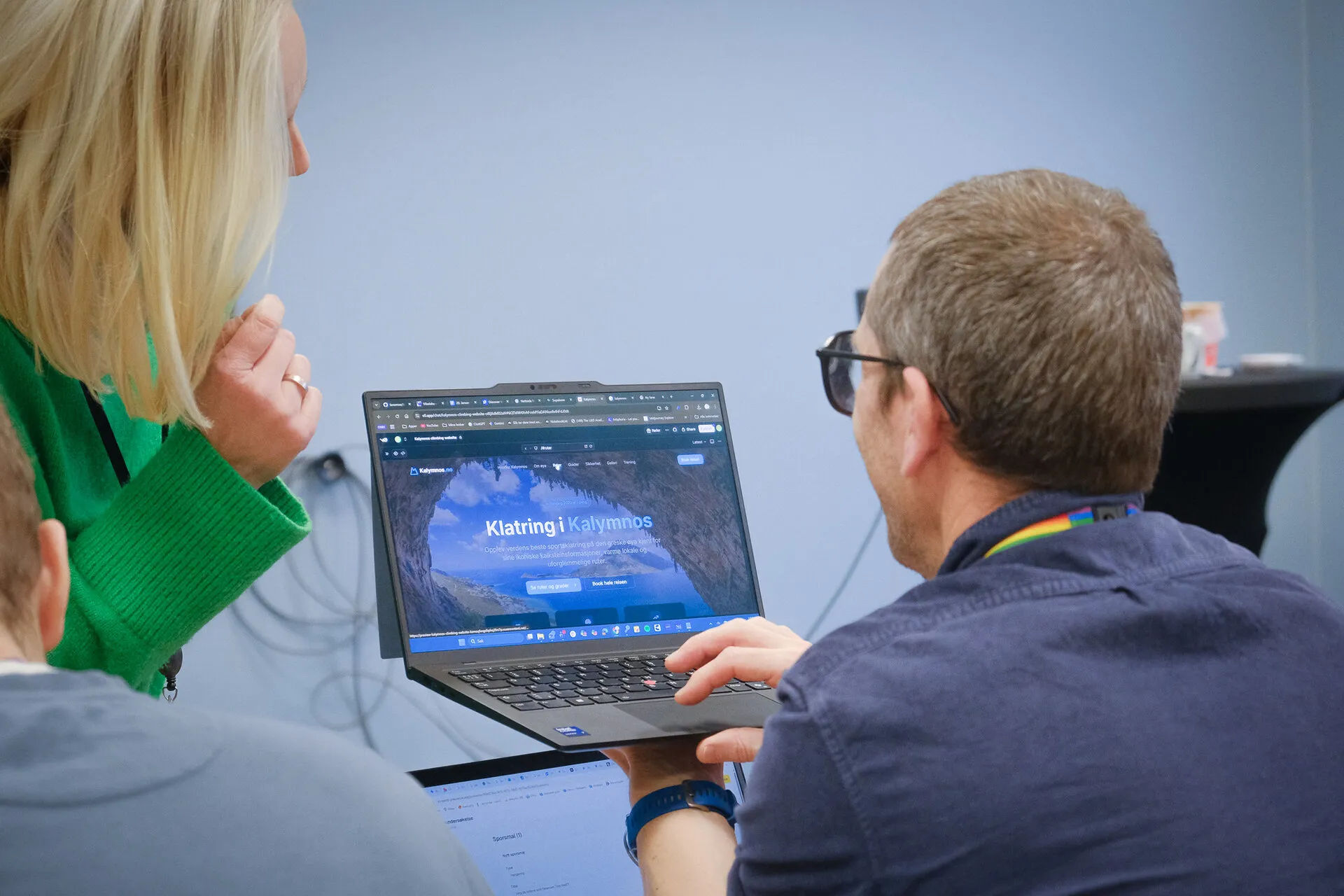
What you can build without coding
- A website with login and a database
- An internal tool that replaces a spreadsheet
- A booking or sign-up system
- A dashboard that pulls in live data
- A prototype you can put in front of real users
- A small app that solves one specific problem
It will break along the way — and that's normal
Here's the part course marketing tends to skip: it gets stuck. You get an error message you don't understand. The app looks weird. The button does nothing. The first time, it feels like you did something wrong.
You didn't. This is how it works, for everyone, all the time — including people who've coded for ten years.
Your job when it happens is simpler than you'd think: notice that something is wrong, and say so. You don't have to diagnose it. Get an error message? Copy it and paste it straight back to the AI: "I got this error, can you fix it?" Something looks off? Take a screenshot and drop it in. Most of the time it works out what's wrong and fixes it. That loop — describe, look, adjust — is most of building anything real.
When you shouldn't vibe code
Just as useful to know where it isn't enough. Three cases where you should bring in a human who knows the code:
When real money flows through it
Payments, invoicing, payroll. A prototype that counts wrong costs you nothing; a payment system that counts wrong costs you a customer.
When you handle other people's sensitive data
ID numbers, health records, passwords. You can build the prototype, but someone should review the security before real people enter real data.
When many people depend on it at once
An app for you and a few colleagues is one thing. Something hundreds of customers rely on around the clock is another.
This isn't a no. It's knowing the difference between a working prototype and something you'd dare put into production. Vibe coding gets you there — testing an idea and finding out whether it's worth building properly. That's usually where the real value sits if you're not a developer: you find out what you actually need before you spend money getting it built.
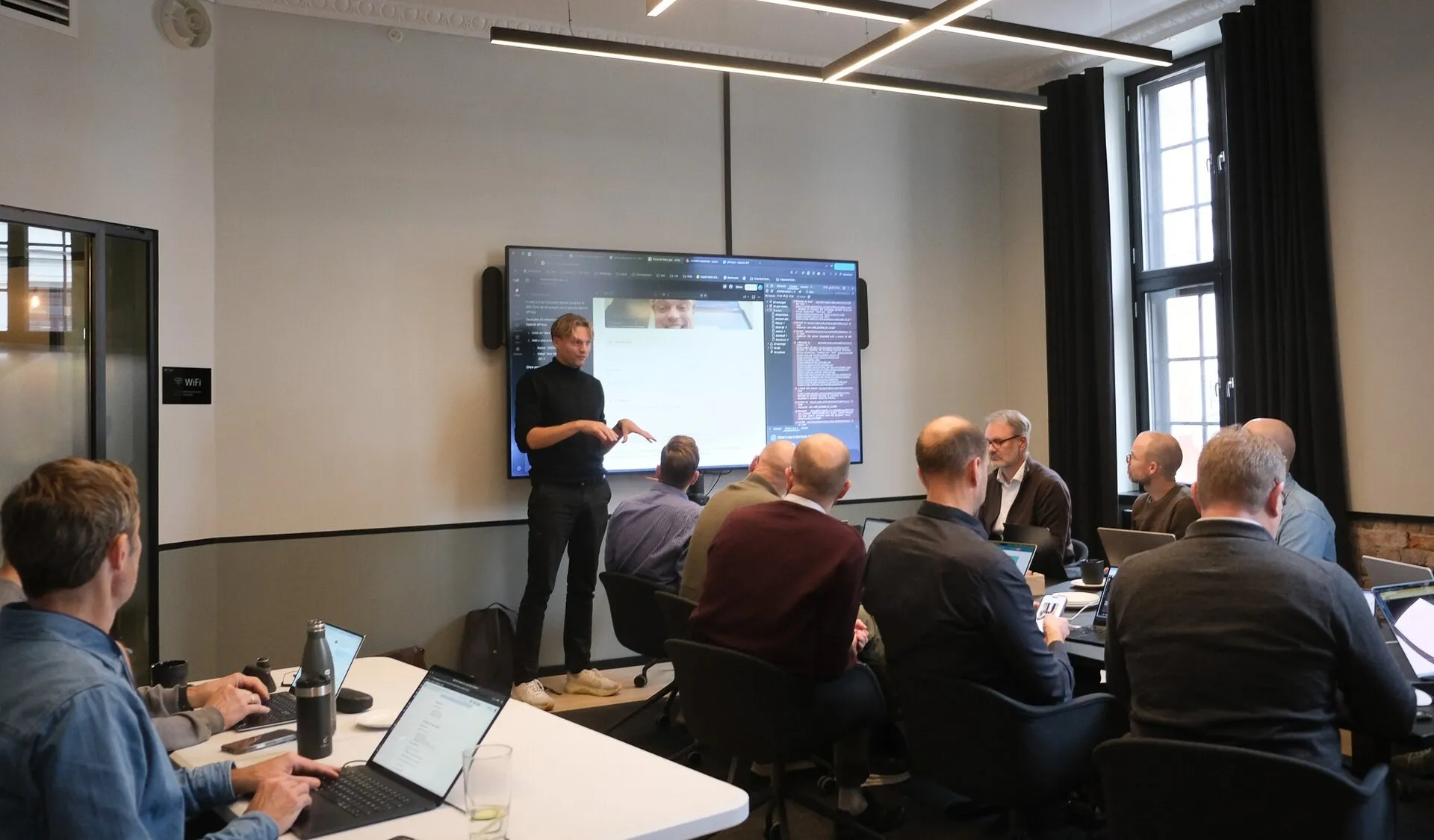
Describe. Look. Adjust.
The tools you can start with
You don't need to pick the right tool to begin — you need to open one and build the smallest thing. Here are the three we get asked about most:
Claude Code
Takes you the whole way from idea to an app that runs on the web, with login and a database. It's what we use most on our courses, because it doesn't stop at the prototype.
Lovable
The easiest to start with if you want to see something on screen right away. You describe an app and it draws it up in front of you.
Cursor
Looks like a normal code editor with AI built in. The most flexible, but it assumes you're a bit more comfortable seeing code. The one people grow into.
The tools change every month, and the names will be different a year from now. The principle is the same either way: you describe, it builds, you adjust. Learn the loop once and you'll place any new tool in a moment.
Unsure which to open first? Claude Code vs Cursor vs Lovable, compared
Get started today
Forget the app idea. Start with something you do manually every week and are tired of — the list you keep in a spreadsheet, the form you send by email, the total you work out by hand. Open one of the tools above and write a single sentence:
"Build a simple tool where I can [the thing you do manually], so I don't have to do it by hand every week."
See what comes out. It won't be perfect on the first try — that's not the point. The point is you've built something that runs, and you now know how to ask for the next change. That's how it begins: with one thing running on your screen.
Learn vibe coding in a day
Vibecoding sticks once you've built something real with someone next to you. On our day course in Oslo, Bergen and Stavanger you build a working web app with login and a live database, and publish it the same day. No prior coding experience needed.
Want to go further? Our Claude Code courses take you from your first prompt to building agents and shipping to production. See the full course catalogue for dates and levels.
Frequently asked questions
What is vibecoding?
Vibecoding is building websites and apps by describing what you want in plain language and letting AI write the code. You steer by the result: you explain what the app should do, test what the AI builds, and ask for changes in your own words. You never need to read the code to understand every line.
Do I need coding experience to vibe code?
No. If you can put things in writing and explain what you're after, you'll get far. You describe what the app should do, the AI writes the code, and you read the result, test it, and ask for changes in your own words. You never read the code to understand every line.
Which tools do people use for vibe coding?
The three we get asked about most are Claude Code, Cursor, and Lovable. On our courses we work mostly with Claude Code, because it takes you the whole way from idea to an app running in production. The tools change fast, but the principle — describe, build, adjust — stays the same.
What can I actually build?
Websites, internal tools that replace spreadsheets, prototypes, calculators, booking systems, dashboards, and small apps with login and a database. On our day course you build a working web app with login and live data and publish it the same day.
When should I not vibe code?
When real money flows through the solution (payments, payroll), when you're handling other people's sensitive data (ID numbers, health), or when a lot of people need to depend on it around the clock. In those cases a human who knows the code should review it. For testing and prototyping ideas, though, it gets you a long way fast.
Is vibe coding the same as "using AI to code"?
Not quite. Vibe coding means you build without going into the code yourself — you steer by the result and your descriptions. An experienced developer using AI as a tool still reads the code and takes responsibility for every line. If you don't code, the vibe-coding version is the one that applies to you: low-stakes, fast, and good for learning and prototyping.
How long does it take to learn?
You build something that runs in the first hour — that's the whole point of the format. Getting comfortable with the loop (describe, test, adjust, deal with it breaking) takes a day or two of practice. Our day course is built to get you over the first hurdle in one day, with people who answer when you're stuck.
What does it cost to start?
The tools themselves have free versions you can try, and paid plans if you want to build more. Prices change fast, so we keep an up-to-date overview in our tool comparison. You don't need an expensive machine or any setup beyond a normal computer. Our day course is a quick way in if you'd rather learn it with someone next to you.

Simon Strumse
Co-founder
Questions after reading this? Simon is happy to answer.