AI for designers at Gjensidige
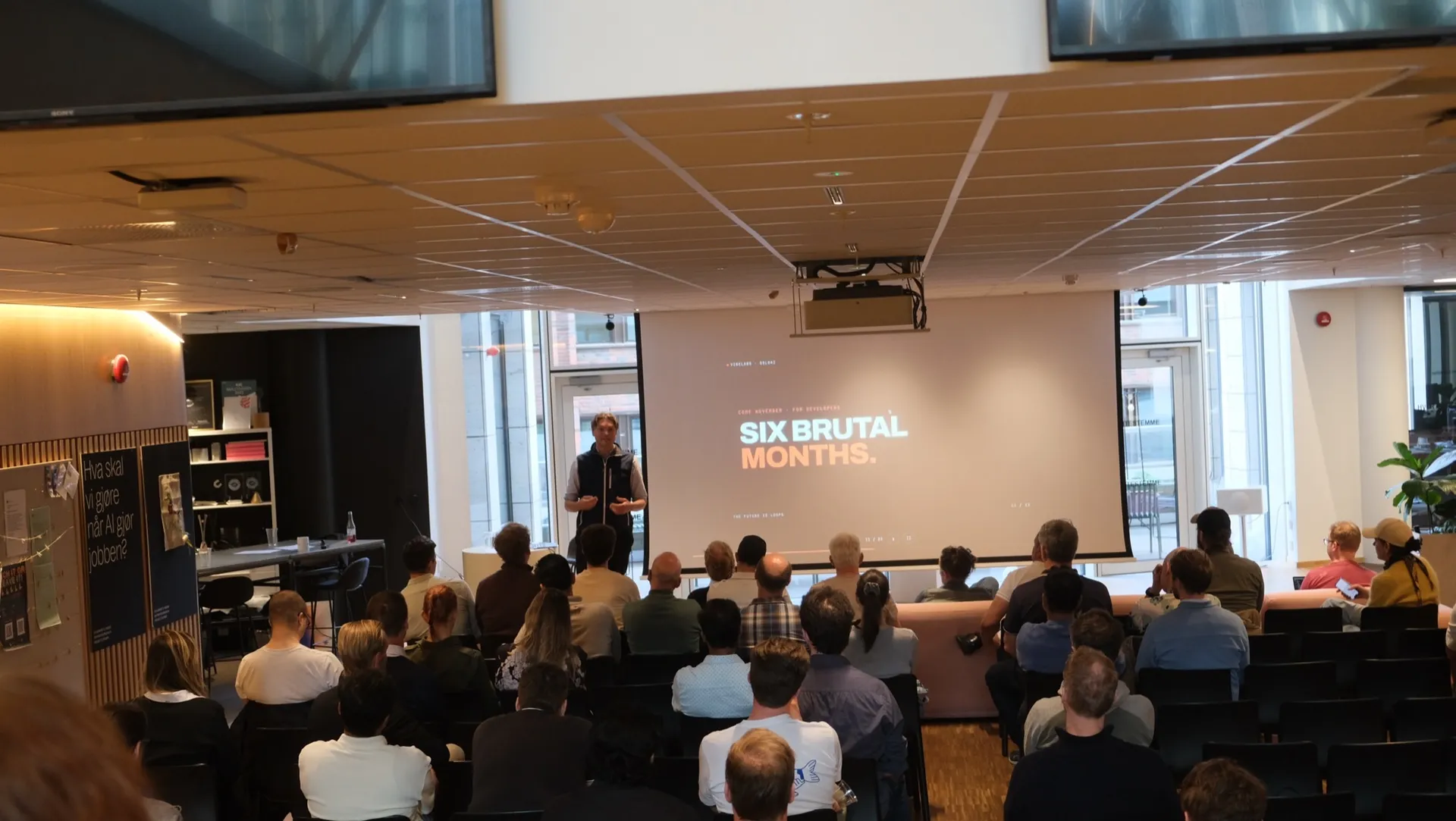
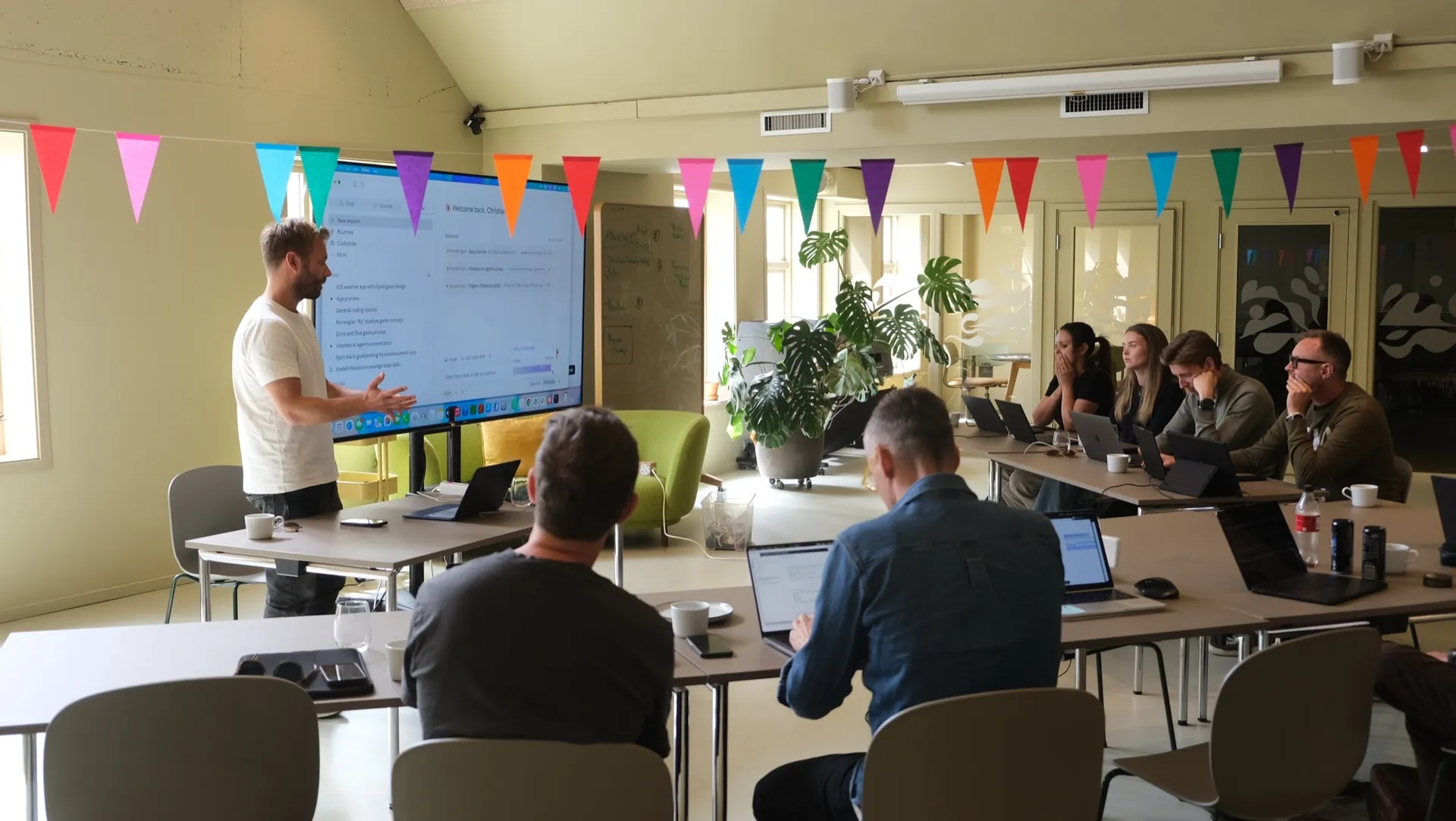
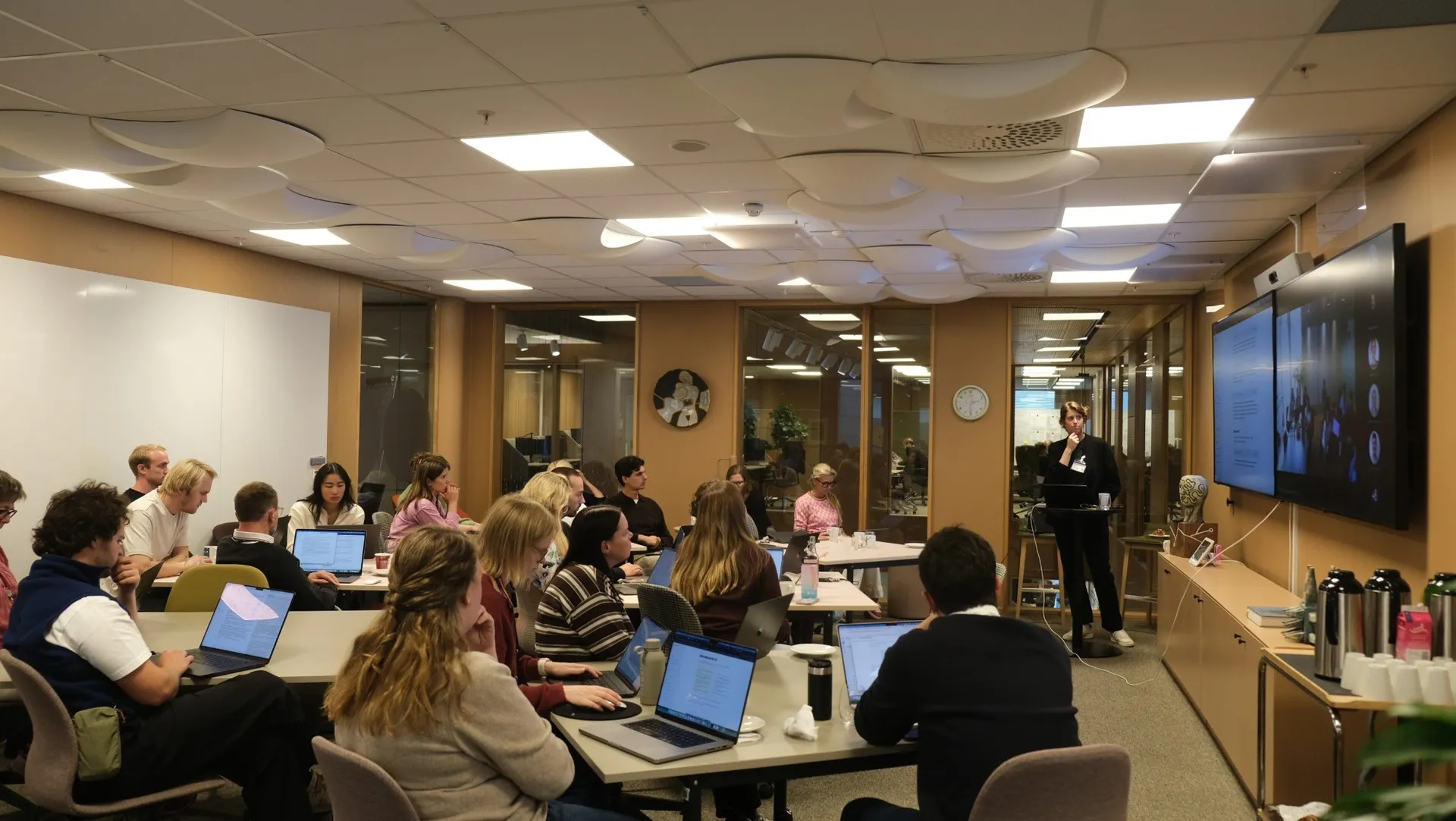
This autumn we ran a course in three modules for the design community at Gjensidige, from Oslo and Copenhagen.
Christian von Hanno5 min read
The designers went from their own research to tested prototypes built with real components. That was possible because Gjensidige has a design system AI agents can read, and a harness around it. Here is what they have built, how the course used it, and what the participants said.
The starting point
Gjensidige has more than 70 designers across tribes, squads and two countries. In August we met the design system team and the chapter leads to plan the course. Two hours in, we rewrote the plan.
The design community was further ahead than the brief had assumed. The design system, Builders, was documented and connected to code. The designers had access to AI models through a setup the company had approved, with a monthly budget each. A few had started to work with AI agents on their own.
What they lacked was a shared level. Some designers used agents every day, and many had never opened one. Gjensidige wanted everyone to learn the same way of working, at the same time, on their own tools.
The harness
A harness is everything around the model that decides what an AI agent can see, use and do: the tools, the context, the permissions and the connections to other systems. Gjensidige has built one for its designers.
- Safe access to the models. Every designer works in OpenCode with the company's own model access. Nobody had to bring a private account or wonder what they were allowed to use.
- A design system that AI agents can read. The Builders team has written a skill: a set of instructions that tells the agent how to build with the components that already exist.
- Connections to the tools designers use. The agent can read from and write to Figma, and fetch projects from GitHub.
- Guides and a place to ask. Setup guides on the internal Builders site, and a Slack channel where designers help each other.
- Their own champions. People in the design community maintain the setup and develop it further. They also taught parts of the course themselves, from both Oslo and Copenhagen.
Few companies we meet have all of this. Many buy licences and leave the rest to each employee.
What the design system does for the agent
Without the design system, the agent has to guess. Ask it for a button, and it draws a new one that looks like Gjensidige's, instead of using the one that already exists. It looks right on screen, but it is a copy. The developers cannot use it, and someone has to build everything again with the real components.
With the Builders skill loaded, the agent picks the component that already exists, in the right variant and with the right name. A prototype made in an afternoon is built from the same components as Gjensidige's products. The designer can spend the time on the idea, and a developer recognises what they are looking at. When the prototype goes into Figma, the frames are made of library components.
The skill has one owner. When the agent gets something wrong, the designers tell the Builders team, the team updates the skill, and every designer gets the improvement. One team's work raises the quality of what all the designers make with AI.
Every company has access to the same models. What the designers at Gjensidige get out of them comes from the design system and the harness around it.
The course
The course ran as three modules of three hours, in September, October and November, with a few weeks between them. I held it together with Line Hjartarson, and we followed Gjensidige's own design process.
In the first module the designers used AI on their own research material and turned interviews into insight. In the second they built prototypes on Builders components and wrote skills of their own. In the third they tested the prototype in the browser, brought it into Figma, and used a project from Gjensidige's GitHub in their prototype.
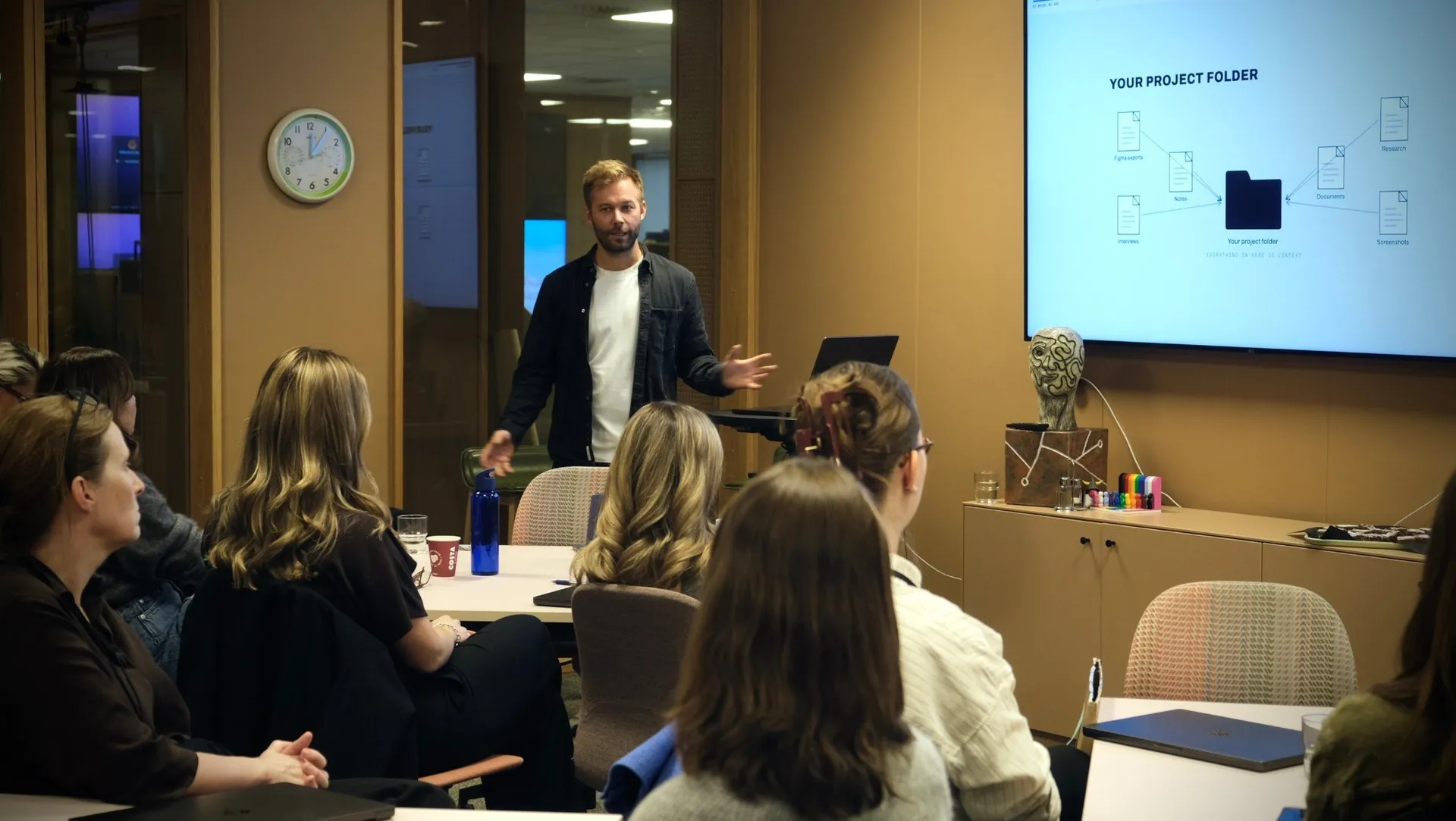
One case ran through all three modules: a solution that helps designers at Gjensidige find the right colleague to spar with across tribes and squads. The designers were the users themselves, so everyone could test an idea on the person next to them.
Everything lived in one course document on the web, with the agenda, the exercises and the prompts. The same document has a presentation mode, so what we showed on screen was the same text the participants had in front of them.
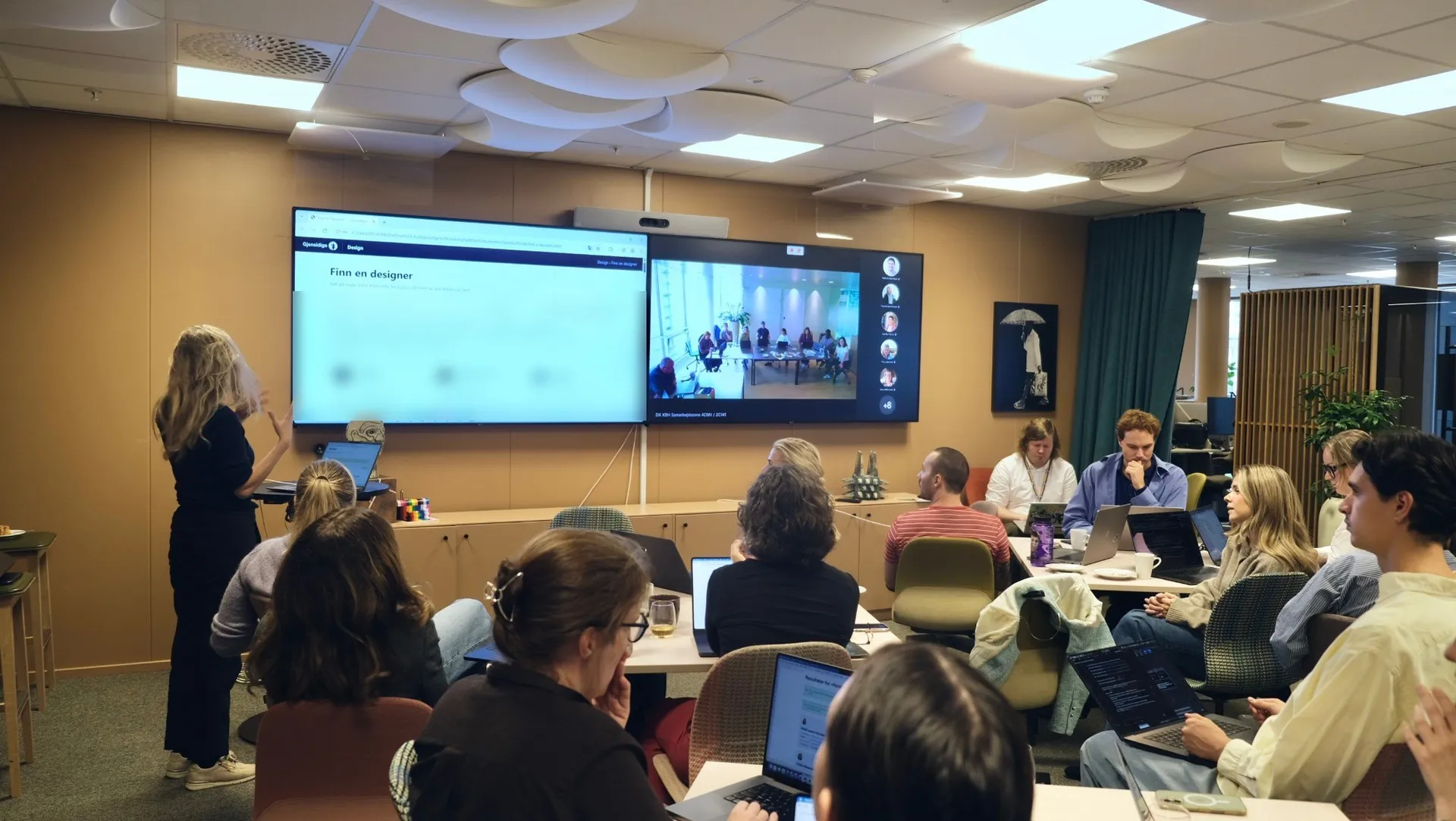
Built together with Gjensidige
Gjensidige sat down with us straight after every module. They collected answers from the participants and went through the course document with us, section by section. Each module was shaped by what we learned from the one before.
Out of that work came a fixed rhythm for every part of the day: we show, the participants do it themselves, and then they share.

What the participants said
Gjensidige ran an evaluation after each module. Each time, around nine in ten of those who answered said they will use what they learned.
What they liked best was the course document they can go back to, the mix of theory and hands-on work, building with real components, and learning together as one design community across countries.
All in all, super happy with all I've learned and how we as a design community can keep growing together.
Well structured course and clear course material made available. I like being able to go back to the documentation, learning and applying it to my projects.
A big thanks to the design team at Gjensidige for a great collaboration.
Vibelabs runs courses and workshops like this for teams that want to work smarter and more effectively with AI. If that sounds interesting, read more about courses for companies or get in touch.

Christian von Hanno
Co-founder
Questions after reading this? Christian is happy to answer.
- AnalysisFrom vibecoding to loops to graphsSix weeks. That is how long it took to get from “stop prompting, design loops” to “are we still talking about loops?”. Here are all three steps, and where you should be standing.
- FormatModular courses for companiesA one-day course gets people started, and for many that is exactly what is needed. If a whole department is going to change how it works, a modular programme can be the better model.